

Using Neterial Web Console
- Go to Add AWS Cloud Provider page
-
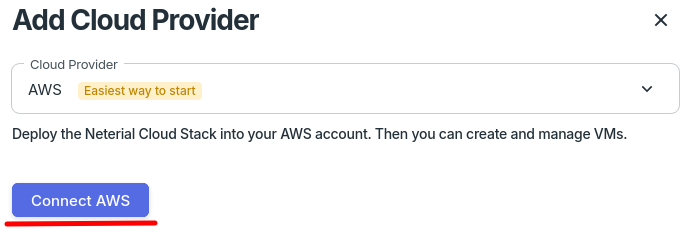
Click “Connect AWS”. It will open “Quick create stack” page in AWS console.
-
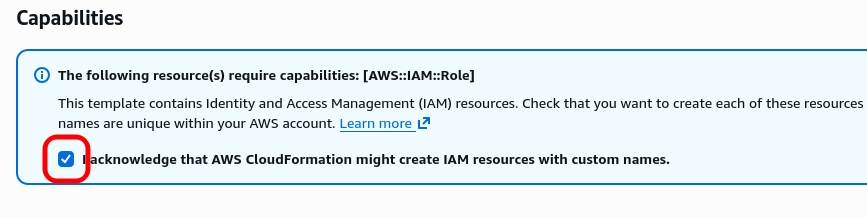
Select the “I acknowledge that AWS CloudFormation might create IAM resources with custom names” checkbox
-
Click the “Create stack” button. This will run installation.

- Go back to Providers page and wait ~1 min until the AWS provider gets status “Connected”